
Solved
Dynamically formatting phone number or date fields
How do I format Phone number or date fields using rule editor?
I am able to format it after focusout of the field, but I am looking into how to do that dynamically while the user types in.
How do I format Phone number or date fields using rule editor?
I am able to format it after focusout of the field, but I am looking into how to do that dynamically while the user types in.
You may already know, but the out of the box way to handle formatting is the "Display Pattern" on a field:
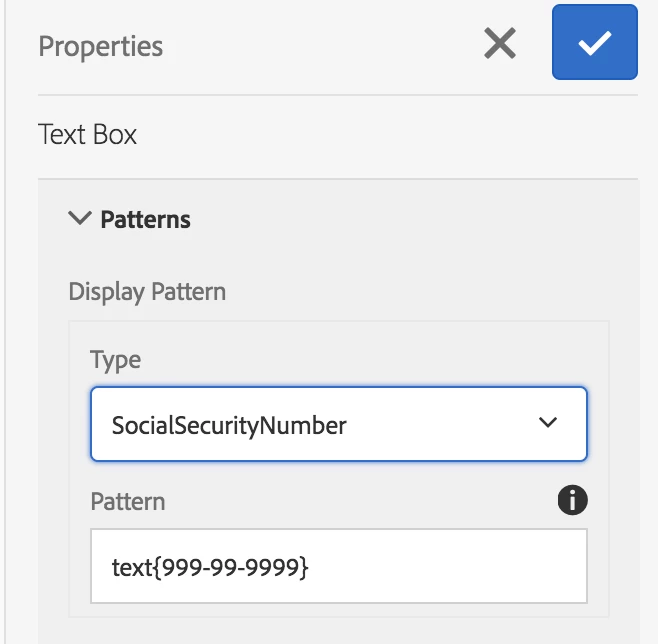
This is triggered when you exit the field and will reformat according to the pattern - I would recommend doing this.
If you really need to format as you type, you could do something like this on the "Initialize" trigger of a field, to add a listener as @navinkaushal suggested.
var $el = $("#" + this.id + " input" );
$el.keyup(function (el) {
var $element = $(el.target);
var elementValue = $element.val();
var upperCaseValue = $element.val().toUpperCase();
$element.val(upperCaseValue);
});
Thanks,
James
Enter your E-mail address. We'll send you an e-mail with instructions to reset your password.