how to create an XDP template and use it with adaptive forms? | Community
Skip to main content
ayecona
New Participant
August 7, 2019
Solved

how to create an XDP template and use it with adaptive forms?

  • August 7, 2019
  • 9 replies
  • 7967 views

so finally I got all the piping done and everything is working as expected. I have my adaptive form that I created from OOTB components and then I submit to a workflow. the workflow takes care of sending an email with the pdf and json file attached. done.

now.... I want to start customizing the look of the form and I understand I can do that with the AEM forms designer where I can create a XDP template to work with.

so.... I imported a pdf form that I had and it gave me all the fields I need as you can see below it actually named the fields on import FirstName for the highlighted field.
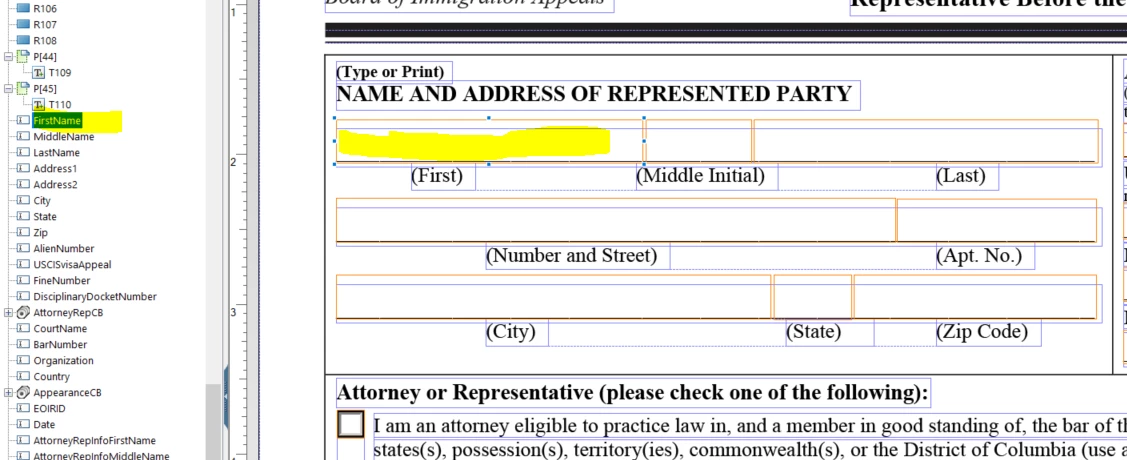
so this is good so far I then saved it as an XDP file
I went to FORMS and upload it the template
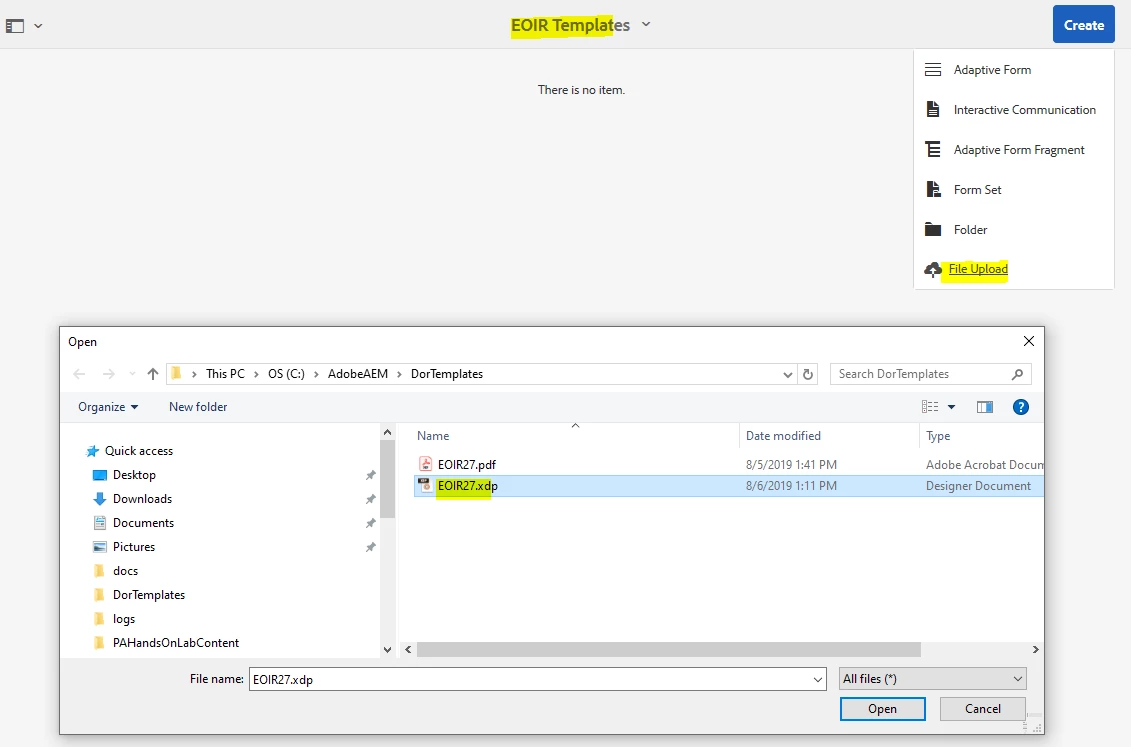
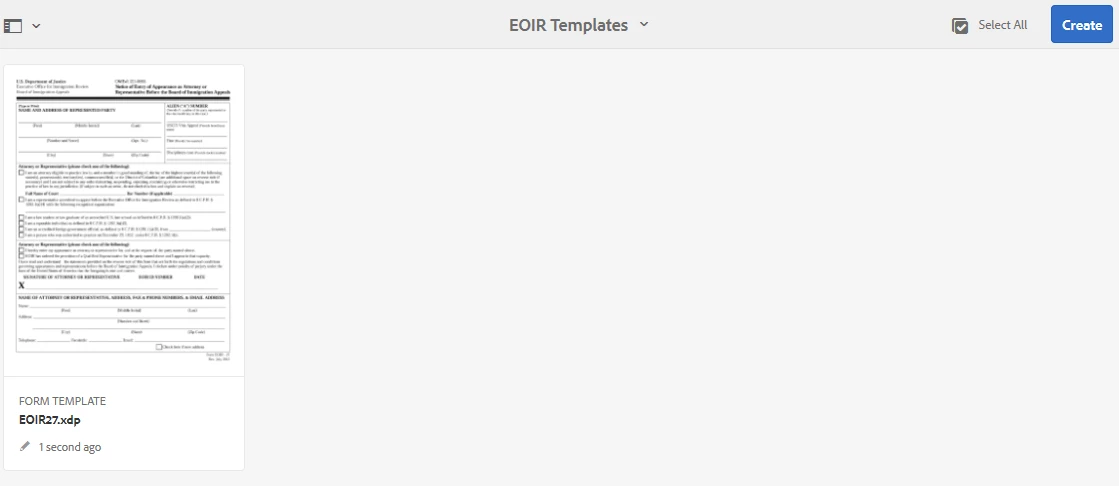
so now I have a template of the pdf just like I wanted it to look …. now I need to create an adaptive form with this template as a base. this is where I have my questions.... I create a form choosing a blank template
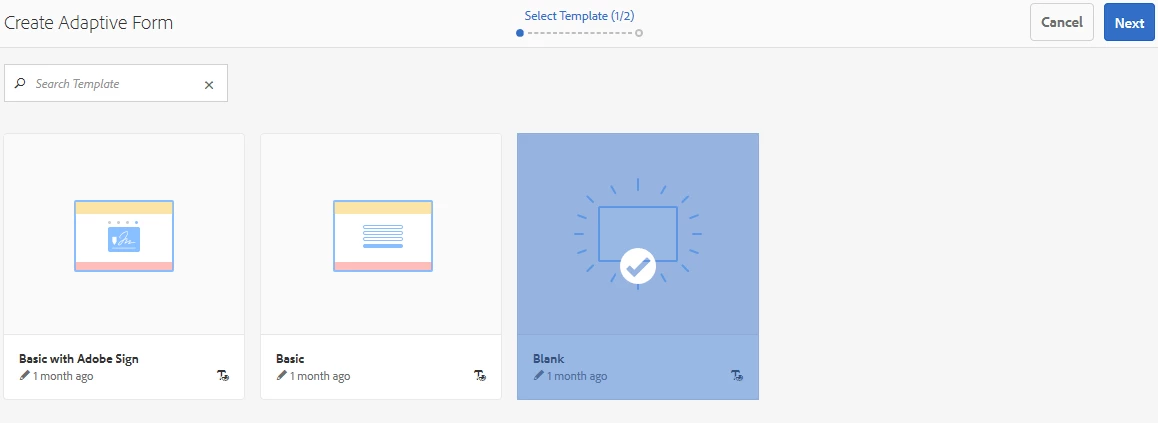
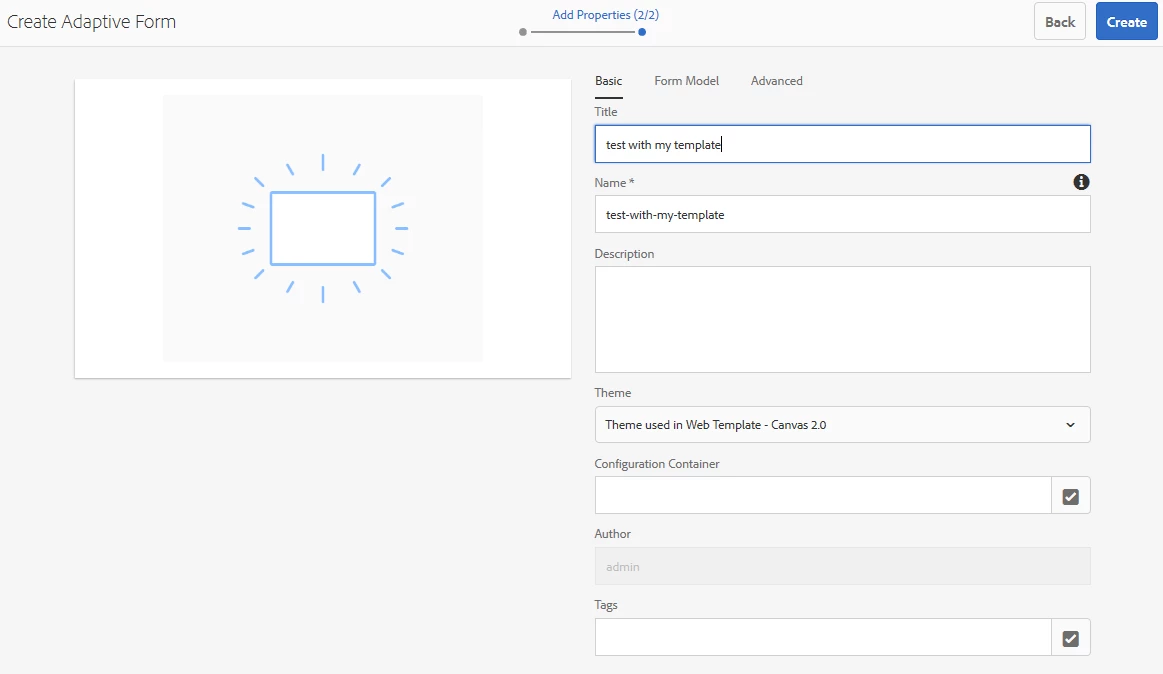
and I choose the template I created
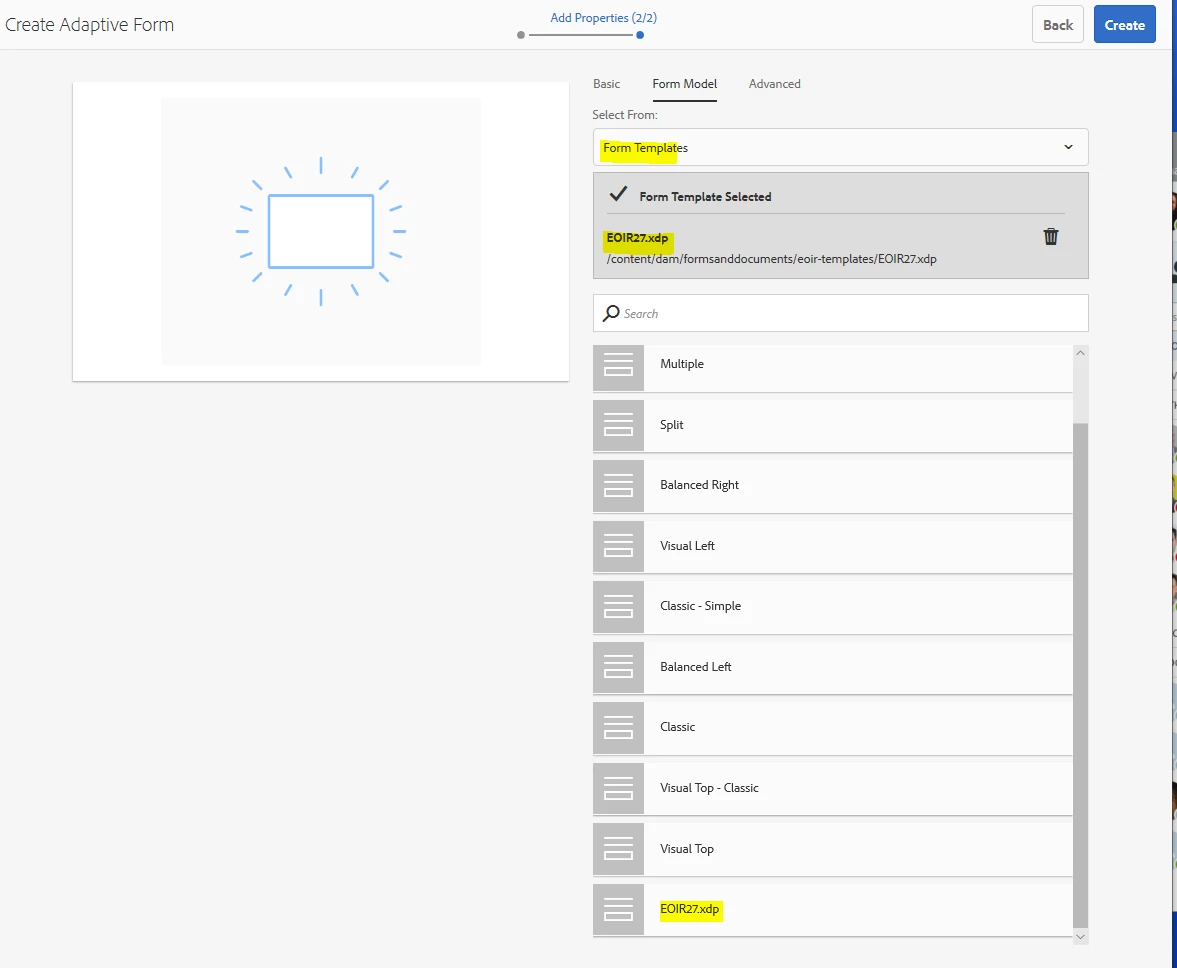
I press enter and then edit
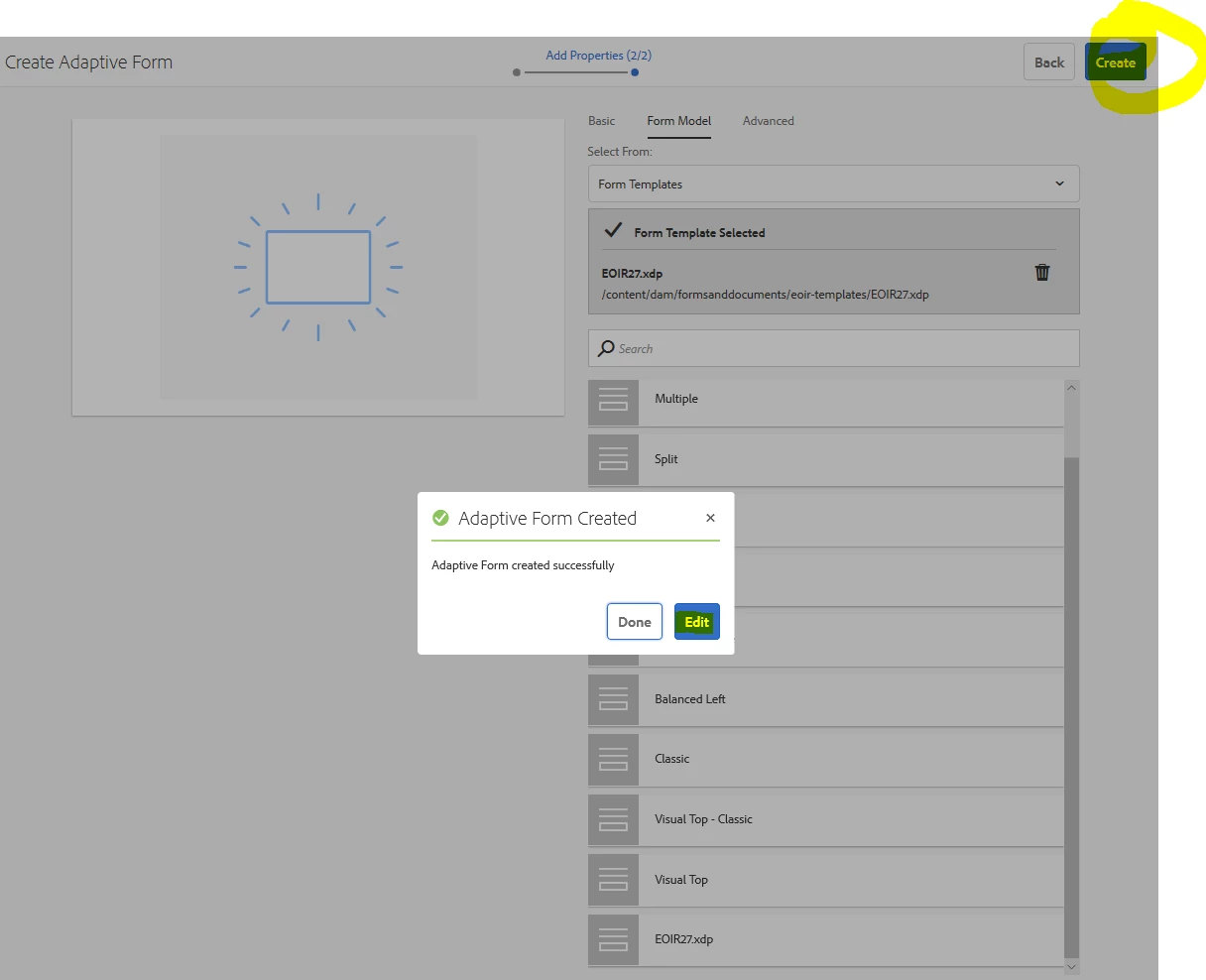
and now I don't see the template
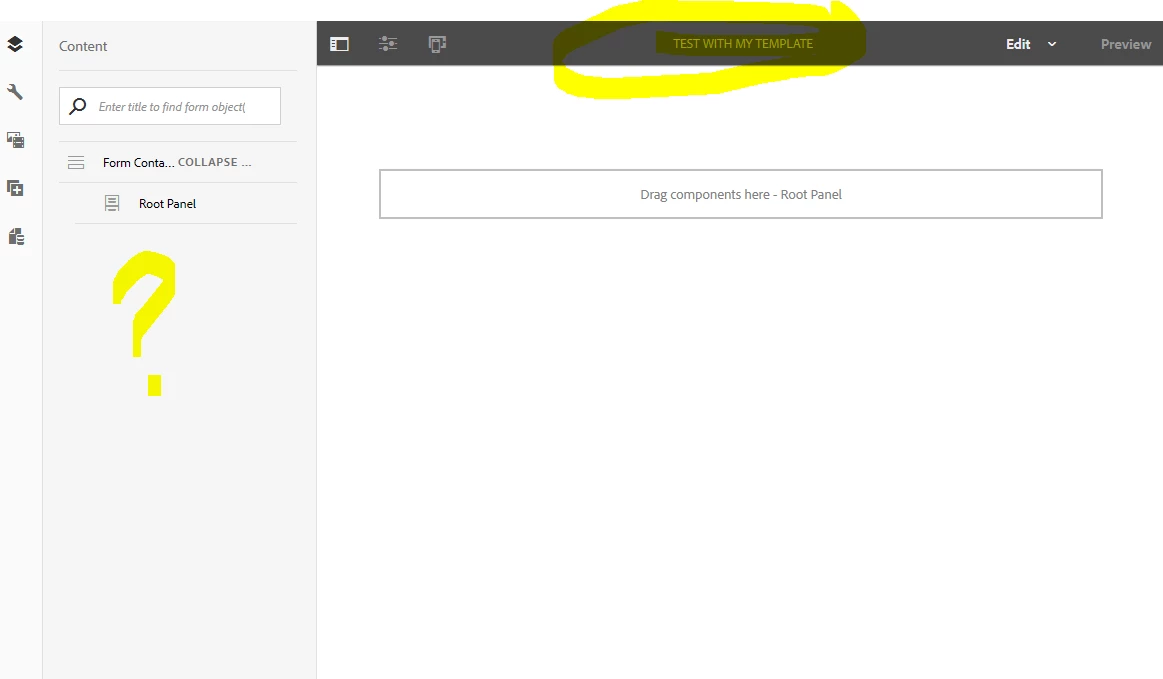
but then I go to datasources and I see the fields there...
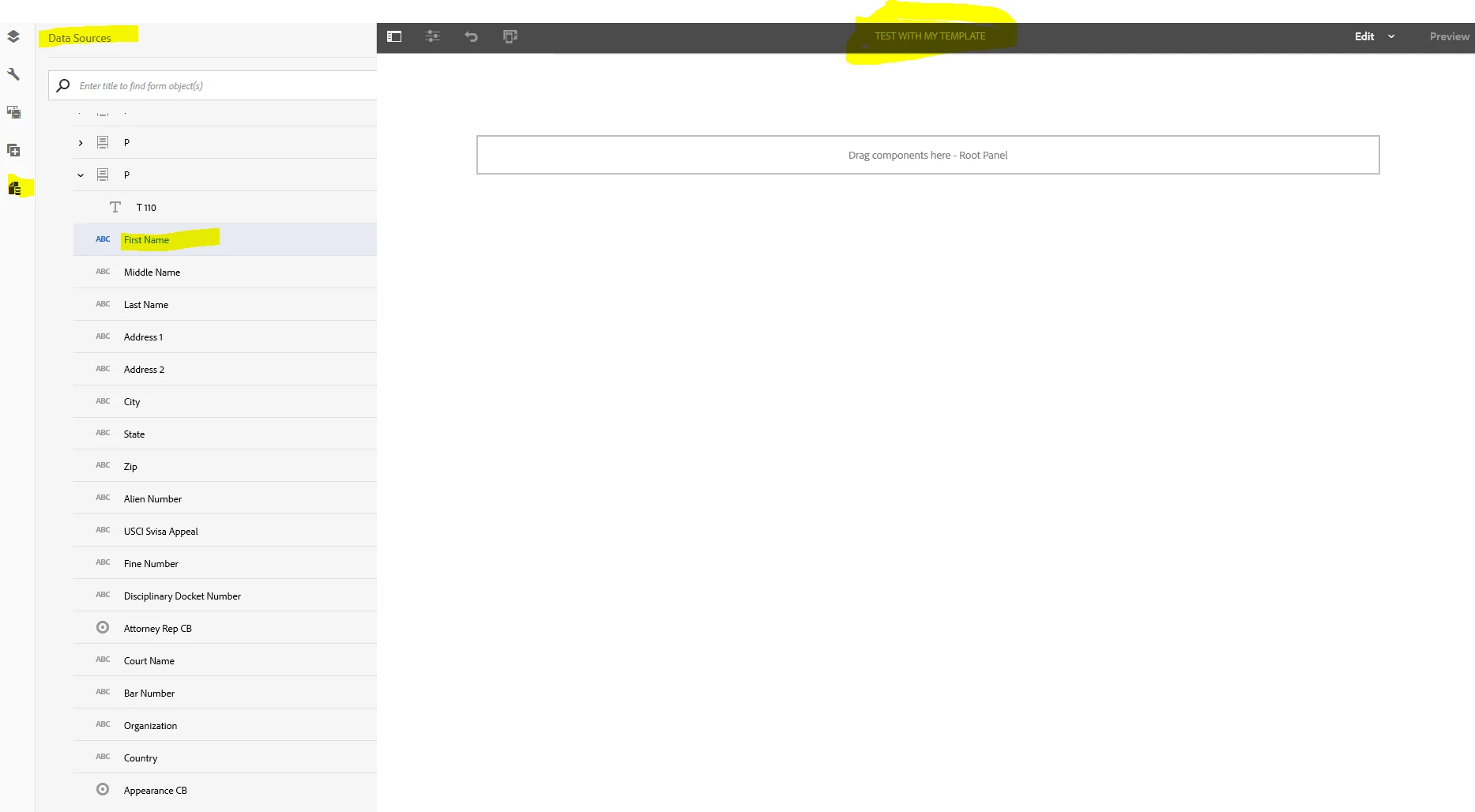
please help me understand how the template is used because I thought I would see the way the template looks when I build it.... but how do I use it as a data source?

are there any docs on this or examples I feel I am very close but I need your help thanks

This post is no longer active and is closed to new replies. Need help? Start a new post to ask your question.
Best answer by workflowuser

I sent you another link

follow that

9 replies

ayecona
ayeconaAuthor
New Participant
August 7, 2019

Mayank Gandhi​ that is what I thought but.... I am using the Dynamic CRM data source to bind the fields. I will create a new thread for this

ayecona
ayeconaAuthor
New Participant
August 7, 2019

that did not work let me open a new thread for this

Mayank_Gandhi
Employee
August 7, 2019

You need to bind the fields with your xdp or you can drag the fields from the data model to your form.

ayecona
ayeconaAuthor
New Participant
August 7, 2019

workflowuser​ thank you, that was not actually the answer to my question but i learn something new and it give me more possibilities on how to work with AEM forms.

I think I did not explain myself and made the mistake of choosing the template as the Form Data model. which is why it went to the data source. Now I chose the Dynamic CRM data source as the data source and then the template I made as the template for the door and it worked

so as a last question on this subject which I am about to try and test:

when creating the custom DOR template and then using it. if I create a field call "txtFirstName" on the template when I go to the adaptive form I actually do not see the fields from the custom DOR and I have to drop new components for the Adaptive form in this case I drop a text field and name it "txtFirstName" I want to know if that is what I am supposed to do. so that it uses the same name as the DOR therefore showing on the pdf. please let me know I am going to try it myself.

workflowuserAccepted solution
Employee
August 7, 2019

I sent you another link

follow that

ayecona
ayeconaAuthor
New Participant
August 7, 2019

workflowuser​ the form is a pdf that I got to test. I assume it was created with acrobat. but as I explained above, it needs to be a template (XDP file) that can be use as the DOR. not an schema. the schema comes from Dynamic CRM.

so how the title says. "how to create an XDP template and use it with adaptive forms?" I need an XDP template that I can use as the DOR.

Employee
August 7, 2019

Just drag and drop the component from your data source onto your form

Employee
August 7, 2019
Employee
August 7, 2019

Looks like your form was originally created using acrobat?

if so can you send it to me, I will create schema from that form and then you can use that schema to created your adaptive form and then on submission

we can easily merge the data fwith the template