Invoke WSDL URL with Synchronous in XDP | Community
Skip to main content
New Participant
May 13, 2021
Solved

Invoke WSDL URL with Synchronous in XDP

  • May 13, 2021
  • 2 replies
  • 1555 views

Hi All,


I have seen one of the AEM Form (XDP) application, in that they bind (using WSDL) the filed with synchronousInvoke option.


Example:

!connectionData.get_users.Body.synchronousInvoke.filter_name

How to achieve that above one? when I trying with all possible ways getting !connectionData.get_users.Body.Invoke.filter_name


Please suggest.


Regards,

Srujan
This post is no longer active and is closed to new replies. Need help? Start a new post to ask your question.
Best answer by Kosta_Prokopiu1

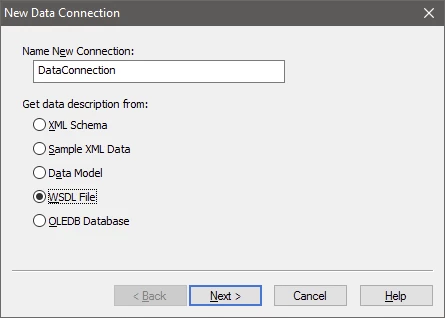
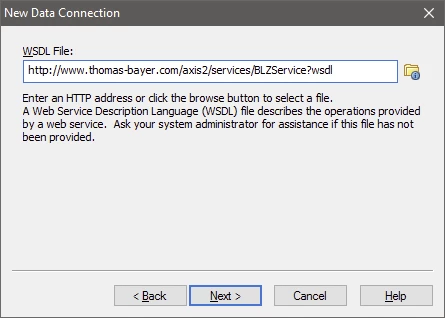
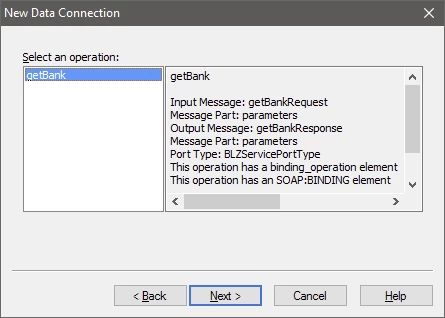
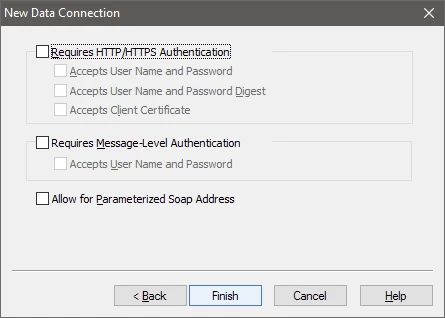
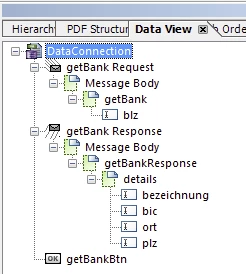
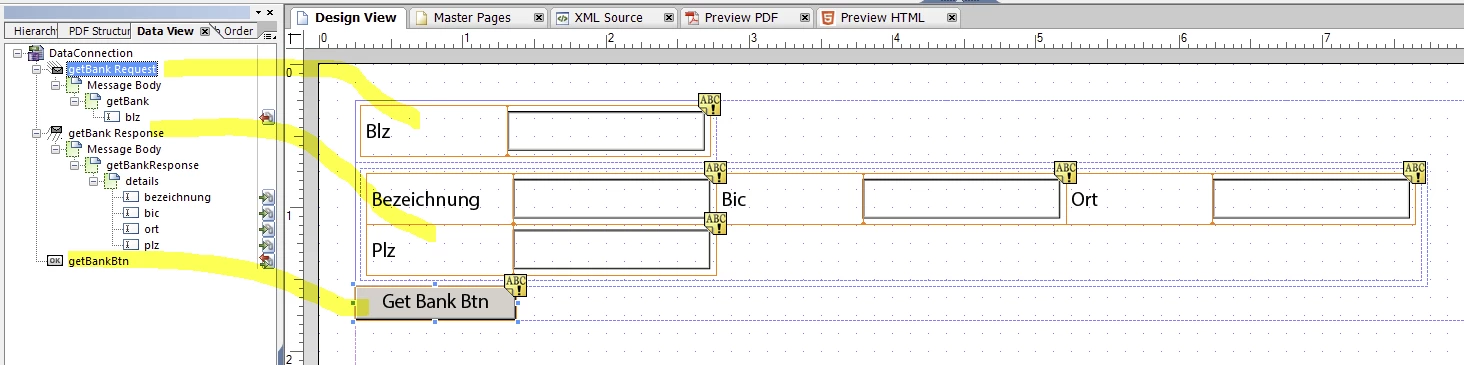
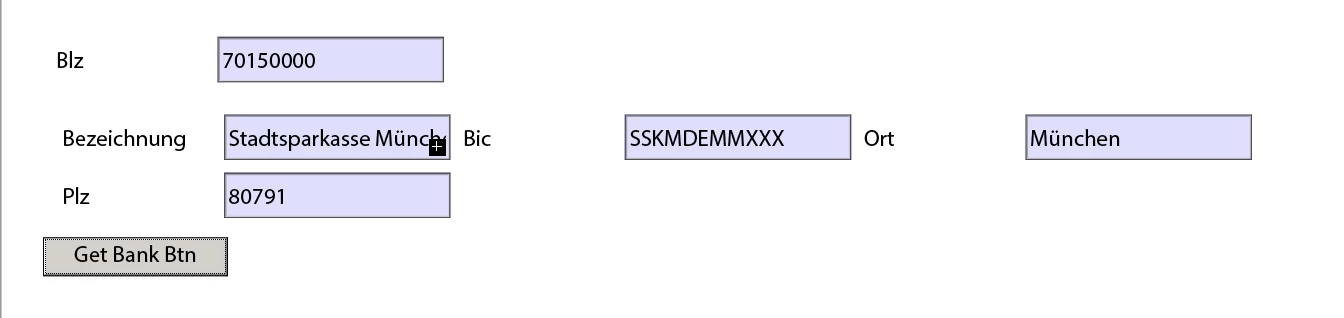
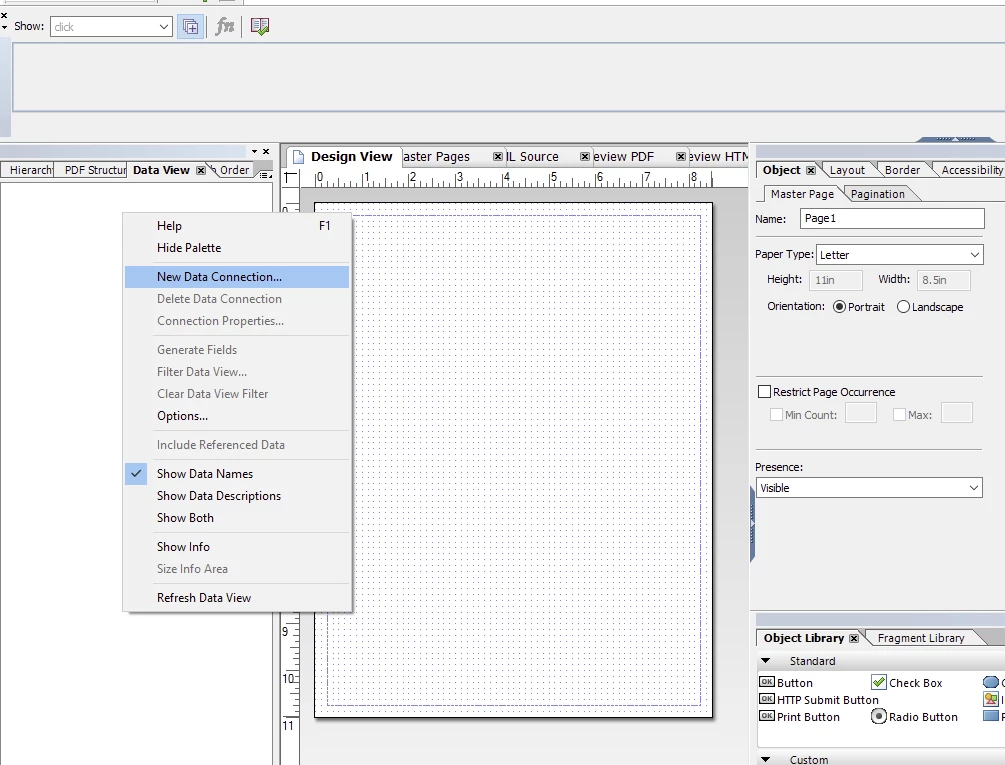
The syntax you mention is not part of the XML Forms Architecture specification. If you want to call a web service from an XFA form you add a WSDL data connection to the form, connect to the WSDL of that webservice and you can execute the webservice by using an exec button coming with the dataconnection.

Drag in the section of the dataconnection

Save as PDF and open in Acrobat Pro (Adobe Reader will not execute the web service unless you have applied Reader Extensions to the PDF!)


2 replies

Kosta_Prokopiu1
Kosta_Prokopiu1Accepted solution
Employee
May 19, 2021

The syntax you mention is not part of the XML Forms Architecture specification. If you want to call a web service from an XFA form you add a WSDL data connection to the form, connect to the WSDL of that webservice and you can execute the webservice by using an exec button coming with the dataconnection.

Drag in the section of the dataconnection

Save as PDF and open in Acrobat Pro (Adobe Reader will not execute the web service unless you have applied Reader Extensions to the PDF!)


Mayank_Gandhi
Employee
May 18, 2021

@user97597 Have you tried using http button in XDP and mapping it to a wsdl?

user97597Author
New Participant
May 19, 2021
I have tried that option but no luck..