LiveCycle Form Table
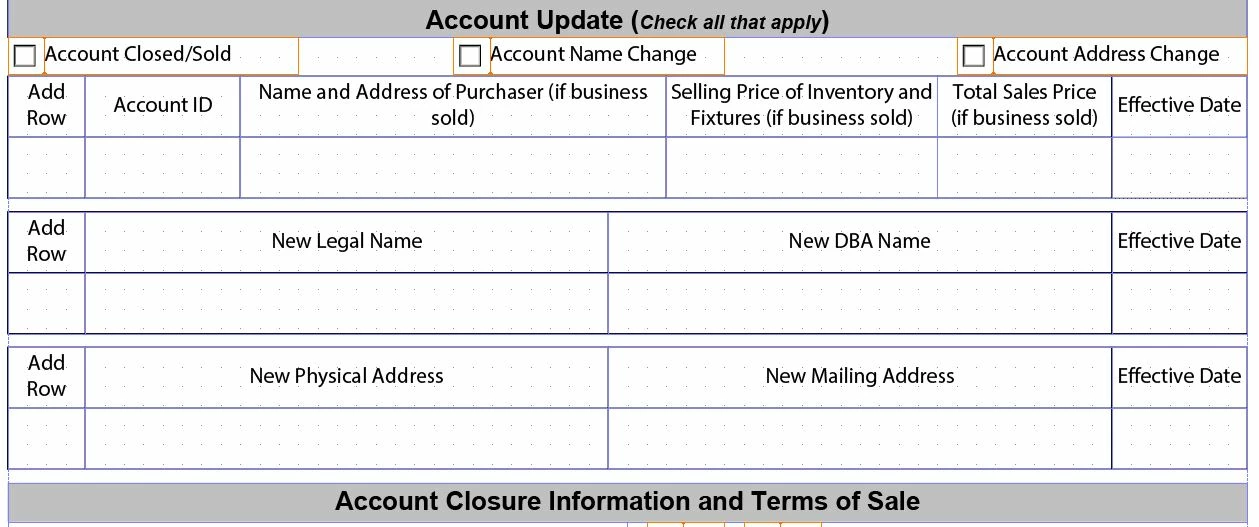
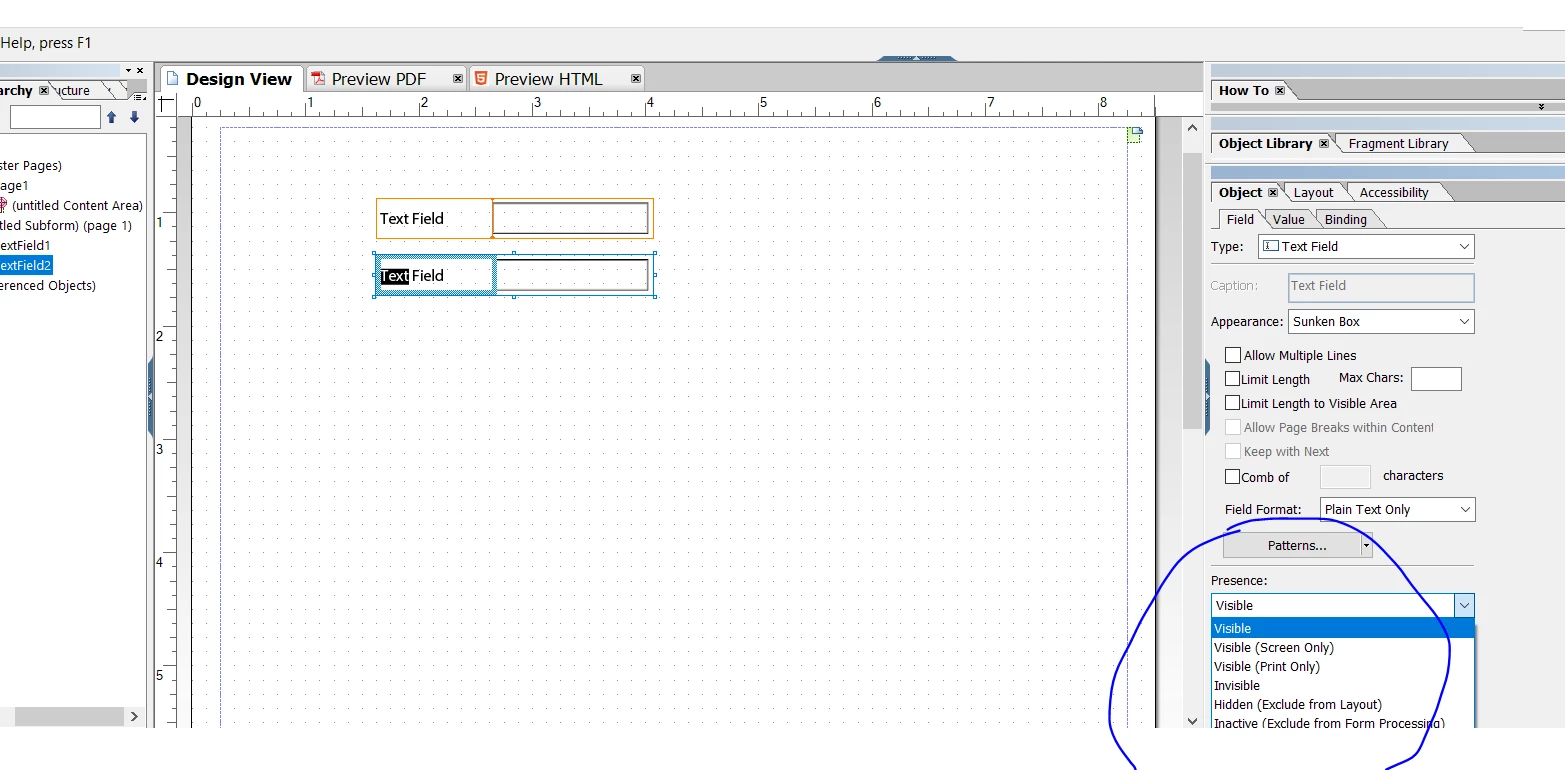
I am working on a LiveCycle Form where I have three two row tables which will be made visible based on three checkbox selections. I have the javascript set up to make these tables visible or hidden. Users can select any combination of these three checkboxes. Is there a way to display any of the three tables in the same location if only one of the checkboxes is selected and move one table below the first based on if multiple checkboxes are selected?
Update: I have included a screenshot below. These tables will be hidden by default and will be displayed by the checkboxes above. I would like to have Account Closure section default location be below the first table as most users will only select one checkbox. However if they do select more than one checkbox the additional tables will be displayed and the Account Closure section will be moved down.