Not able to add column in existing table in LiveCycle Designer | Community
Skip to main content
dhruvinm
New Participant
November 5, 2019
Question

Not able to add column in existing table in LiveCycle Designer

  • November 5, 2019
  • 2 replies
  • 5638 views

Dear All,

I am workking on LiveCycle Designer form and I wanted to add one column in Table ( Table has already been declared and have 7 columns )
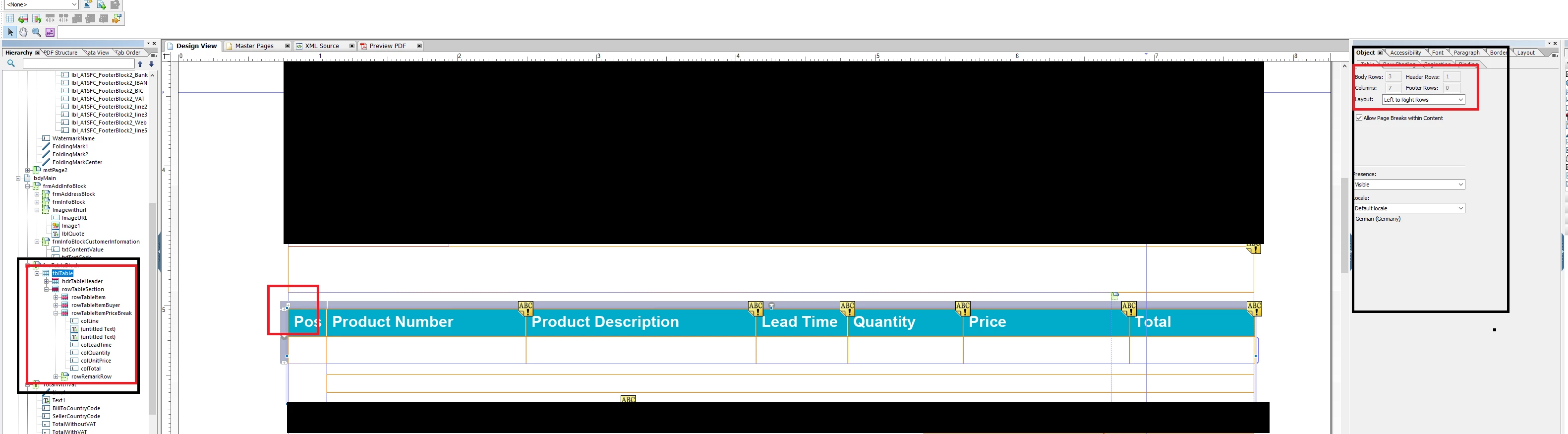
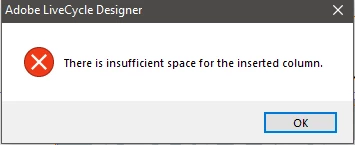
Even after reducing the size of the columns to accomodate new column it is still giving me the error of insufficient space. I tried with a new form and added the table of 5 columns and after that I manually deleted one column but if I want to add one column i am not able to do it. I thought this will be very easy but unfortunately not.

Can you please help me?

BR

Dhruvin

This post is no longer active and is closed to new replies. Need help? Start a new post to ask your question.

2 replies

dhruvinm
dhruvinmAuthor
New Participant
November 6, 2019

Hi Timgud​    

Thanks for yourfeedback, I reduced the widthe of total to 0.1in but even after that it is giving me the same error.

I think when i reduce the width of one column overall width also getting reduced

BR

Dhruvin

Timgud
New Participant
November 6, 2019

Hello. The cause of the problem is the width of the column you are adding. It equals the width of one of existing columns by default.

Try the following:

  1. narrow a Total column to a very little width;
  2. click on any cell inside Total column;
  3. click on + sign in the upper right corner of Total column.

A new column must be added with the width of Total column.
