[Sample] Embedding a pdf or a Video in an Adaptive form
Let's Begin:
Embedding a PDF
- Create a Sample Adaptive form
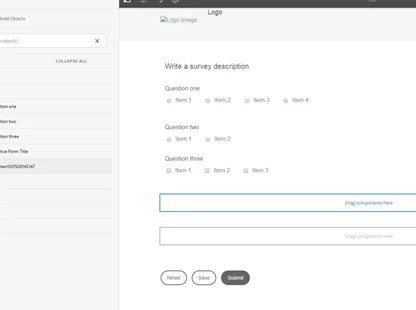
- Drag a static Text component in the form.
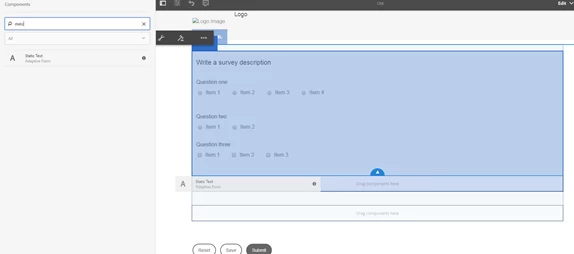
- Click on the pencil icon to edit the Text

- You get a palette with an option called 'Fullscreen' to maximize the editor (as shown below).
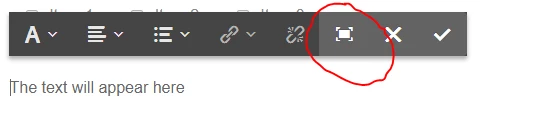
- This maximized editor provides with a number of option to edit and format the text. Select the 'Source edit' option from the ribbon as shown below:
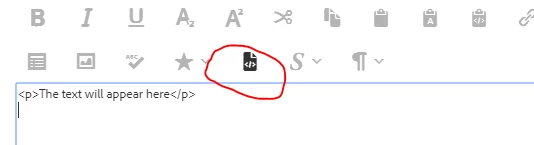
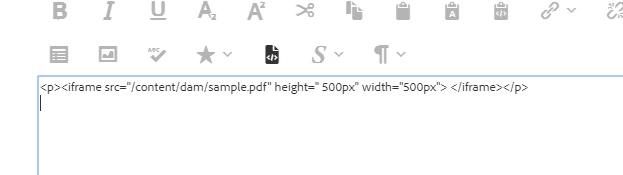
- Replace the code with an iframe container to include a file, where the source can be a pdf in DAM Assets or even a link. Once done click the same Source Edit option to preview the file. You can do similarly for gif files.
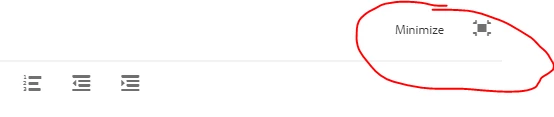
- Once done, close the editor using the 'Minimize 'option available on the top right side of the screen.
- Now, Preview the form.
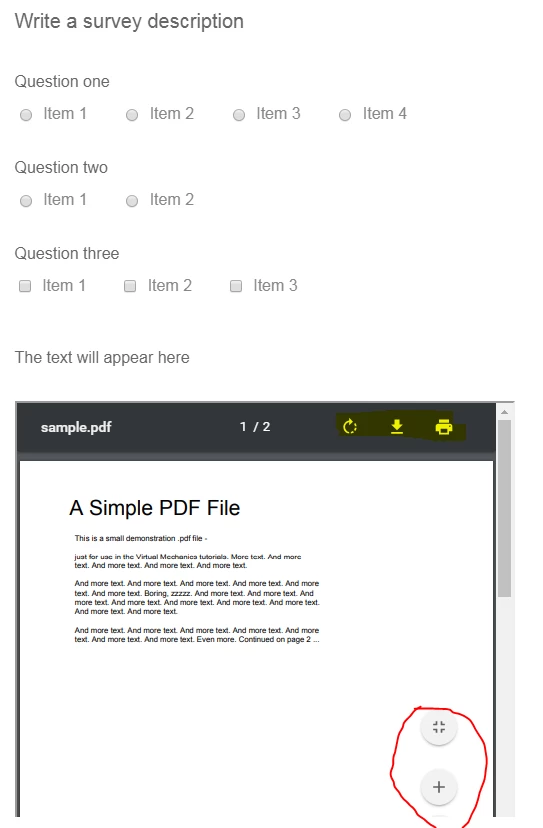
- The container will require a plugin to render a pdf, like in my case it's Adobe Reader. You may also get the option to download, print and zoom the pdf based on the plugin.
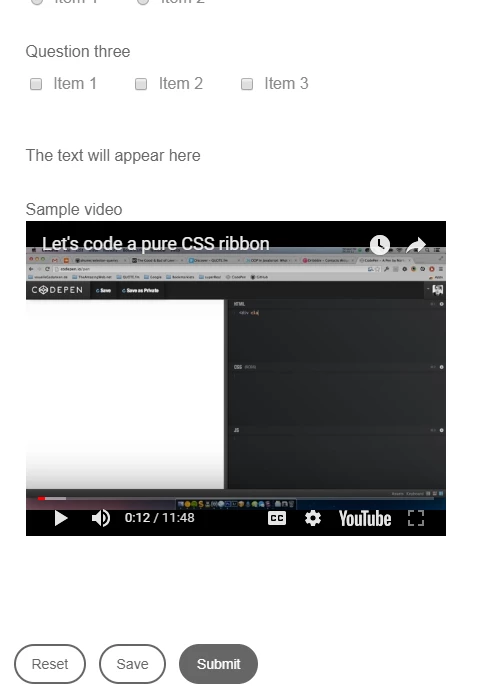
Sample Form preview
Embedding a Video
All the steps would remain the same except you need to use the below code in the source edit of the text Editor
<p>Sample video<br>
<iframe id="video" width="420" height="315" src="//www.youtube.com/embed/9B7te184ZpQ?rel=0" frameborder="0"></iframe></p>
Preview would look something like this"