Using AEM Forms (6.2), interactive form generated is not showing data on the output PDF | Community
Skip to main content
New Participant
May 20, 2020
Solved

Using AEM Forms (6.2), interactive form generated is not showing data on the output PDF

  • May 20, 2020
  • 3 replies
  • 8498 views

Hi All,


We are using AEM Forms (6.2) for rendering our business forms.


To render the input PDF forms with data, we pass in XML data. Once rendered we get a static output PDF, without any issues:

JAVA logic used is:


ServiceClientFactory myFactory = ServiceClientFactory.createInstance(createConnectionProperties()); OutputClient outputClient = new OutputClient(myFactory); OutputResult outputDocument = outputClient.generatePDFOutput2(TransformationFormat.PDF, null,formDocument, null, renderOptionsSpec, xmlDataDocument); document = outputDocument.getGeneratedDoc();


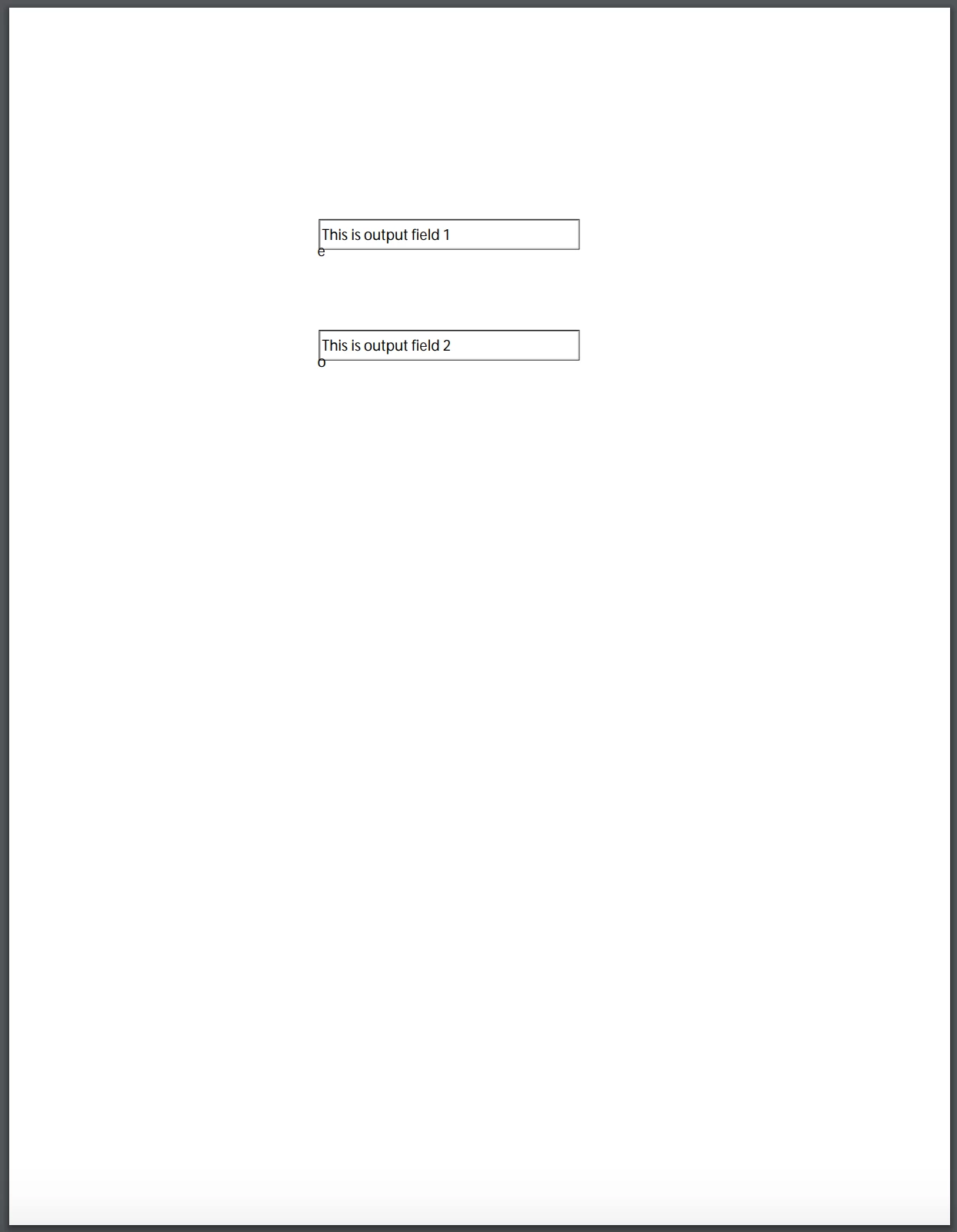
Sample PDF Output with all text fields as read only:
 

Recently, we got a new requirement for rendering forms with interactive fields on it. In order to resolve this use case we started using,

below JAVA logic:


ServiceClientFactory myFactory = ServiceClientFactory.createInstance(createConnectionProperties()); FormsServiceClient formsServiceClient = new FormsServiceClient(myFactory); formsServiceClient.resetCache(); FormsResult formResult = formsServiceClient.renderPDFForm2(formDocument, xmlDataDocument, null, null, null); document = formResult.getOutputContent();


This new input PDF form now has one "read only" & one "user entered" text fields with data bindings.

When this input PDF form is rendered with an input XML data using formsServiceClient.renderPDFForm2() method, we are getting the PDF output.


When this new output PDF form is previewed using any browser (chrome/safari/firefox) or any of the browser based viewer components, it is not showing any data on it.


Sample PDF Output with one text field as read only and one field as user entered:
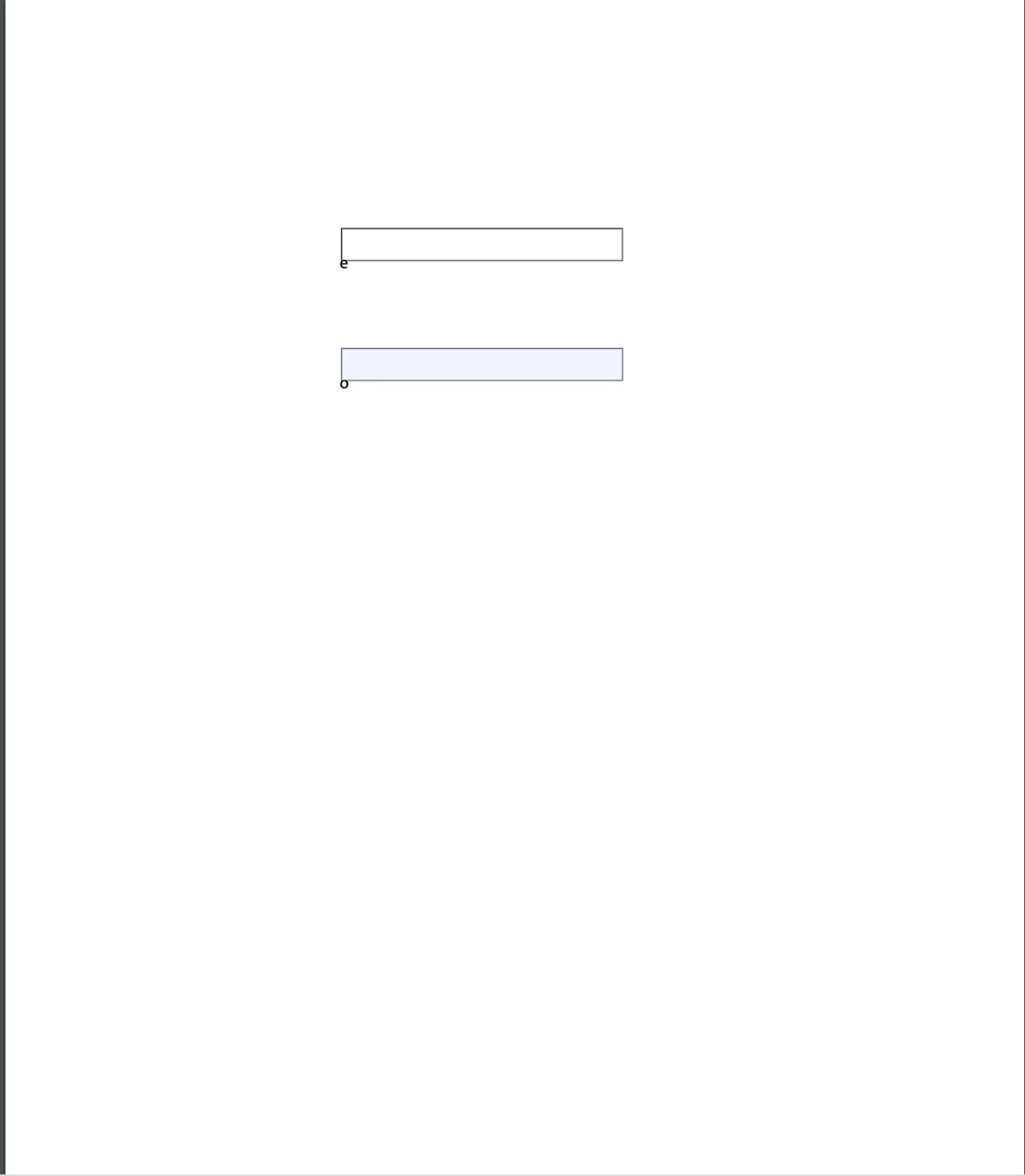
 

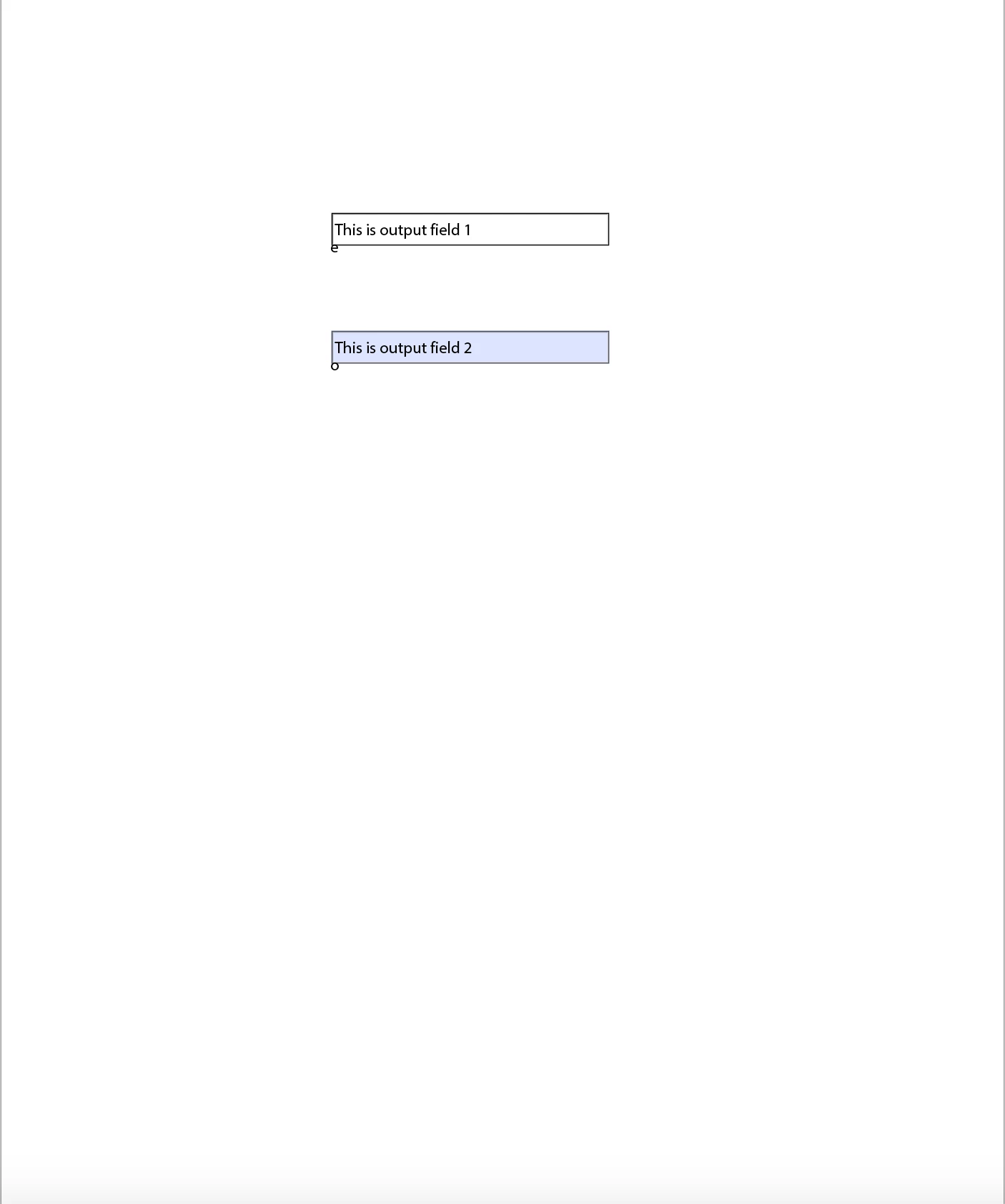
But this new output PDF with interactive fields is getting previewed with data only on "Adobe Acrobat Reader".

Sample PDF Output with one text field as read only and one field as user entered on Adobe Acrobat Reader:


I would really appreciate if some body can help me in this regard.


Our requirement is to preview the interactive PDF form on our internal viewer component (which is based out of browser PDF viewer), where we can see data on other read only fields and enter the data on the interactive fields.


More Info:

AEM Forms version: 6.2

Designer Version: 6.2.0.20160331

Form saved as : Adobe static PDF Form (*.pdf)

This post is no longer active and is closed to new replies. Need help? Start a new post to ask your question.
Best answer by Mayank_Gandhi

@yogeshs80721281  For interactive PDF you should use Adobe reader or acrobat to test the form, not the browser.

3 replies

New Participant
May 26, 2020

"Our requirement is to preview the interactive PDF form on our internal viewer component (which is based out of browser PDF viewer)" Since your viewer component is based on browser PDF viewer your use case will not work here.

New Participant
May 26, 2020

@mayank_gandhi Thanks for responding.

We understand that interactive forms have to be previewed only using Acrobat Reader and not the browser.

But according to our requirement:

1. "Read Only" fields have the data binding and have to show the data on those fields when rendered.

2. Along with "Read Only" fields, if there are any interactive fields, user should be able to enter the data into the editable text fields.

Internal to our organisation, we have developed a viewer component (using React) for our web app, where we can open the interactive form (on the browser), edit the PDF interactive form and then save it onto local file system.

In this process we were getting the above mentioned issue of data not being displayed.

Can you suggest any other idea to make this work?

New Participant
May 26, 2020
which pdf viewer are you using to edit the pdf interactive form?
Mayank_Gandhi
Mayank_GandhiAccepted solution
Employee
May 21, 2020

@yogeshs80721281  For interactive PDF you should use Adobe reader or acrobat to test the form, not the browser.

New Participant
May 26, 2020
@mayank_gandhi Thanks for responding. We understand that interactive forms have to be previewed only using Acrobat Reader and not the browser. But according to our requirement: 1. "Read Only" fields have the data binding and have to show the data on those fields when rendered. 2. Along with "Read Only" fields, if there are any interactive fields, user should be able to enter the data into the editable text fields. Internal to our organisation, we have developed a viewer component (using React) for our web app, where we can open the interactive form (on the browser), edit the PDF interactive form and then save it onto local file system. In this process we were getting the above mentioned issue of data not being displayed. Can you suggest any other idea to make this work?