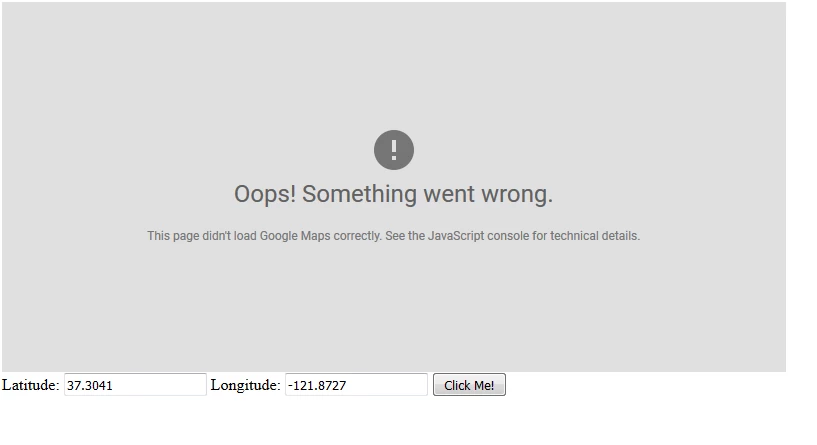
Just replace maptemplate.jps with following code :
<html>
<head>
<style>
#map {
height: 400px;
width: 100%;
}
</style>
</head>
<body>
<h3>My Google Maps Demo</h3>
<div id="map"></div>
<script>
function initMap() {
var uluru = {lat: -25.363, lng: 131.044};
var map = new google.maps.Map(document.getElementById('map'), {
zoom: 4,
center: uluru
});
var marker = new google.maps.Marker({
position: uluru,
map: map
});
}
</script>
<script async defer
src="https://maps.googleapis.com/maps/api/js?key=AIzaSyCVJYehUvkKZNcxsWx8vjD6FPDZBCRegX4&callback=initMap">
</script>
<script type="text/javascript">
function getMap(lat,lng) {
var myOptions = {
center: new google.maps.LatLng(lat,lng),
zoom: 8,
mapTypeId: google.maps.MapTypeId.ROADMAP
};
var map = new google.maps.Map(document.getElementById("map"),
myOptions);
}
</script>
<form >
Latitude: <input type="text" name="lat" value="37.3041" />
Longitude: <input type="text" name="lng" value="-121.8727"/>
<button type="button" onclick="getMap(lat.value,lng.value)" >Click Me!</button>
</form>
</body>
<cq:include path="par" resourceType="foundation/components/parsys" />
</html>
And make sure not to add <> before and after your API token. In above code replace API key with your API key.
It would work. Just tested it on AEM 6.3