Target integration with AEM 6.5 via IMS | Community
Skip to main content
Andrey_Osadchuk
New Participant
May 21, 2019
Solved

Target integration with AEM 6.5 via IMS

  • May 21, 2019
  • 15 replies
  • 11132 views

Hi everyone,

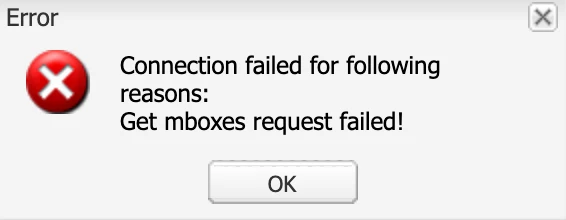
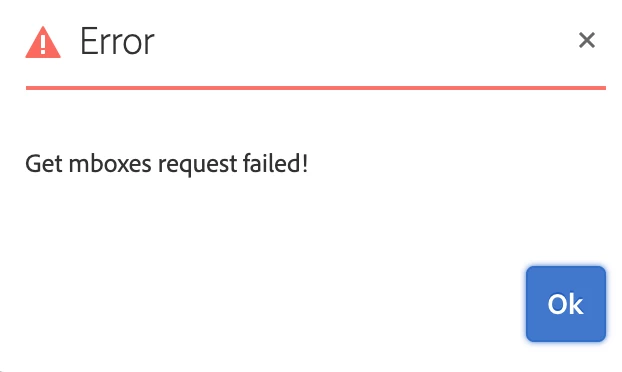
I have faced a challenge to integrate Adobe Target with AEM 6.5 via IMS. The IMS has been configured, the status is OK (Token retrieved successfully). However, when integrating Target either via "AEM Cloud Services Opt-In" dialog or via Cloud Services configuration an error message "Get mboxes request failed!" pops up.

Does anyone know the cause of this error?

---
Best answer by Amuthesan

Hi Andrey,

Please check if you have provided IMS Tenant ID as your client code, It is not same as the client code used for earlier integration.

Client code - IMS Tenant ID, can be obtained from Adobe Experience Cloud > Launch Target > Copy IMS teant id from the URL

Reference:

Adobe Experience Manager Help | Understanding Adobe Target Standard integration with AEM Sites

Thanks,

Amuthesan.

15 replies

Employee
May 21, 2019

Setting up a DEBUG logger on the following classes should provide more details about the failure.

com.day.cq.personalization

com.day.cq.analytics.testandtarget

Andrey_Osadchuk
New Participant
May 21, 2019

Thank you. The integration I am challenged by also leverages Adobe I/O (this is what I called IMS — IMS Configuration leverages Adobe I/O).

Look forward for other replies

kautuk_sahni
Employee
May 21, 2019

I was suggesting another way if in case it was bit urgent. I did via Adobe Launch integrations in Adobe I/O.

Kautuk Sahni
Andrey_Osadchuk
New Participant
May 21, 2019

Thank you for the links but they are irrelevant to the question above.

kautuk_sahni
Employee
May 21, 2019
Kautuk Sahni